The Ultimate Guide to Free AI Prompts: Image, Video, Website, Writing and More
The Ultimate Guide to Free AI: explore practical AI prompts and examples you can customize for your next project with UK Prompt.
Updated 23 Nov 2026

AI tools have gotten dramatically more capable, but most people are still leaving quality on the table simply because they haven't learned how prompts actually work across different formats. This guide covers the full picture — what AI prompts are, how they differ across image, video, website, and text use cases, and how to actually get consistently better results, whichever tool you're using.
What AI Prompts Are
An AI prompt is the instruction that tells an AI model what to create. It's the only input the model has — it doesn't know your unstated intent, your taste, or your project's context unless the prompt includes it. This is true whether you're generating an image, a video clip, website copy, or asking ChatGPT a question. For a deeper breakdown of the basics, see What Are AI Prompts?
The AI Prompt Ecosystem, Category by Category
AI Image Prompts
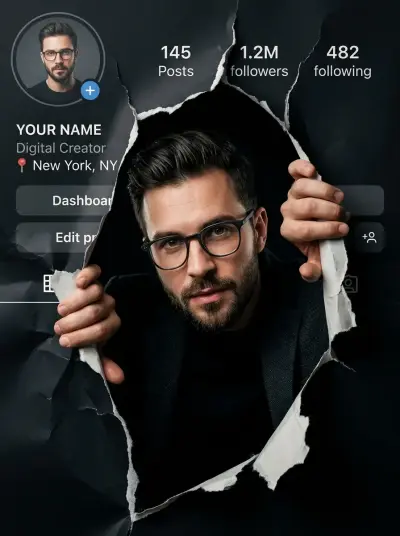
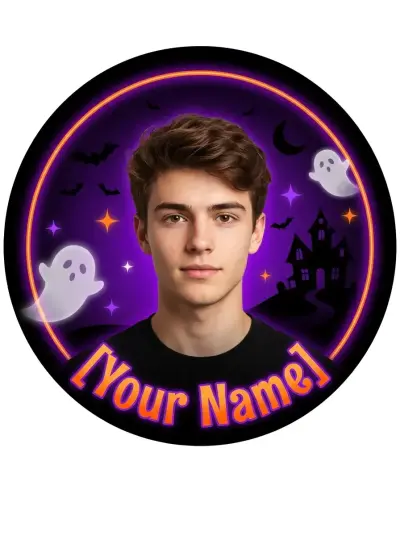
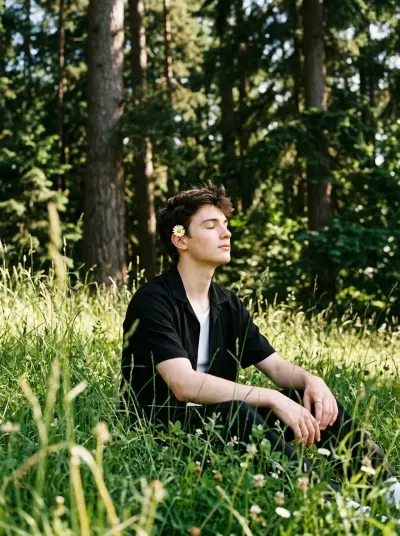
Image prompts describe a subject, its styling, the setting, lighting, and a technical/style reference (photography style, art style, aspect ratio). The more specific each of these elements is, the further the result moves from generic and toward what you actually pictured. Explore ready-made image prompts across portraits, product shots, fashion, and more.
AI Video Prompts
Video prompts need everything an image prompt needs, plus one more critical element: camera movement. Without specifying how the camera behaves (static, panning, tracking, dolly-in), most AI video tools default to unpredictable or flat results. Explore ready-made video prompts covering cinematic shots, product videos, and social content.
AI Website Prompts
Website prompts work best when structured around purpose, target audience, key sections, and tone — treating the prompt like a mini creative brief rather than a vague request. Explore ready-made website prompts for landing pages, portfolios, e-commerce, and SaaS.
AI Writing Prompts
Writing prompts (blog posts, scripts, product copy) benefit most from a clearly stated format and length, plus one tone reference. See the full breakdown of AI writing prompts for content creators.
AI Marketing Prompts
Marketing prompts work best when they force in a specific audience and a specific benefit, rather than allowing generic claims. See free AI marketing prompts for social, ad, and email use cases.
AI Photography Prompts
Photography-style image prompts specifically benefit from naming lighting direction and lens choice — these two details do more to make an image look intentional than almost anything else. See AI photography prompts for the full breakdown.
ChatGPT Prompts
General-purpose text prompts for work, study, and everyday tasks follow the same core structure as the categories above: clear instruction, context, and desired format. See 50 ChatGPT prompts organized by real use case.
How to Choose the Right Prompt for Your Task
Start from the format you actually need (image, video, website copy, plain text), then narrow by use case (product photo vs. portrait, landing page vs. portfolio). Trying to adapt an image prompt for a video task, or vice versa, usually produces worse results than starting from a prompt built for that specific format.
How to Customize a Prompt Instead of Using It As-Is
Every ready-made prompt is a starting structure, not a finished, unchangeable script. To customize one effectively:
- Replace every bracketed placeholder with your actual specifics — a real subject, a real setting, a real audience.
- Add one constraint that matters to your project (length, color palette, tone) even if the original prompt doesn't include it.
- Keep the underlying structure (subject → styling/context → setting → technical details) even as you change the specifics — that structure is what makes the prompt reliable.
How to Get Better Results, Format by Format
- For images: specify lighting direction and a photography/art style reference.
- For video: always name the camera movement, not just what's in the shot.
- For website content: name the target audience and the primary call-to-action explicitly.
- For writing/ChatGPT prompts: specify format and length, and treat the first output as a draft to refine, not a final answer.
Common Mistakes Across All Prompt Types
- Being vague instead of specific. "Make it good" gives the model nothing to act on.
- Overloading a single prompt with multiple unrelated requests instead of breaking the task into steps.
- Skipping format/length requirements, then being surprised the output doesn't fit your needs.
- Not iterating. Almost no prompt needs to be perfect on the first attempt — refining based on the first result is normal and expected.
- Ignoring the format's unique requirements — treating a video prompt like an image prompt (no camera movement) or a website prompt like generic copy (no audience specified).
Where to Find Free Prompts
If you'd rather start from tested prompt structures than build your own from scratch, UK Prompt maintains a free, categorized library across image, video, and website prompts — each one already structured with the details above built in, so you're customizing specifics rather than starting from a blank page.
FAQ
Do I need different skills for prompting images vs. video vs. text? The core principles (specificity, context, clear desired output) transfer across all three — the main format-specific addition is camera movement for video and audience/purpose for website and marketing content.
Is it better to write my own prompts or use ready-made ones? Ready-made prompts are a faster, more reliable starting point, especially while you're still learning prompt structure. Customizing a well-built prompt with your own specifics is generally more effective than writing one from scratch under time pressure.
How often should I update or refine a prompt I use repeatedly? Whenever the result stops matching what you need — AI models and tools update over time, so a prompt that worked well six months ago may benefit from small adjustments today.
Are free prompt libraries actually usable for commercial projects? This depends on the specific library's terms and the AI tool's own output usage rights — always check both before using AI-generated content commercially.
Browse free, ready-to-copy prompts in the UK Prompt library.
Explore Free Prompts